This document attempts to track Windows builds for Bioconductor packages for the devel and release branches:
http://bioc.r-universe.dev builds the Bioconductor devel branch
http://bioc-release.r-universe.dev builds the Bioconductor release branch
Because R universe build for multiple versions of R whereas Bioconductor branches build for a specific version, the following tables display only the package builds corresponding the Bioconductor branch’s specific R version.
Code
library(universe)library(BiocPkgTools)library(biocUniTools)library(dplyr)library(reactable)library(tibble)# set max.print to get all packagesoptions(max.print =3000L)r_version <-"4.6.0"bioc_version <-"3.23"uni <-"bioc"uni_os_branch <-"devel"os <-"windows"ru_builds <- biocUniTools::get_binaries_by_os(uni, uni_os_branch, r_version, bioc_version, os)bbs_pkgs_i <- BiocPkgTools::biocBuildReport(version = bioc_version,pkgType ="software")
Bioconductor Devel Windows on bioc.r-universe.dev
Note: The following packages may not have the same version or commit hash in R Universe and the BBS. Only packages with the same version and commit hash are currently propagated.
Bioconductor Release Windows on bioc-release.r-universe.dev
Note: The following packages may not have the same version or commit hash in R Universe and the BBS. Only packages with the same version and commit hash are currently propagated.
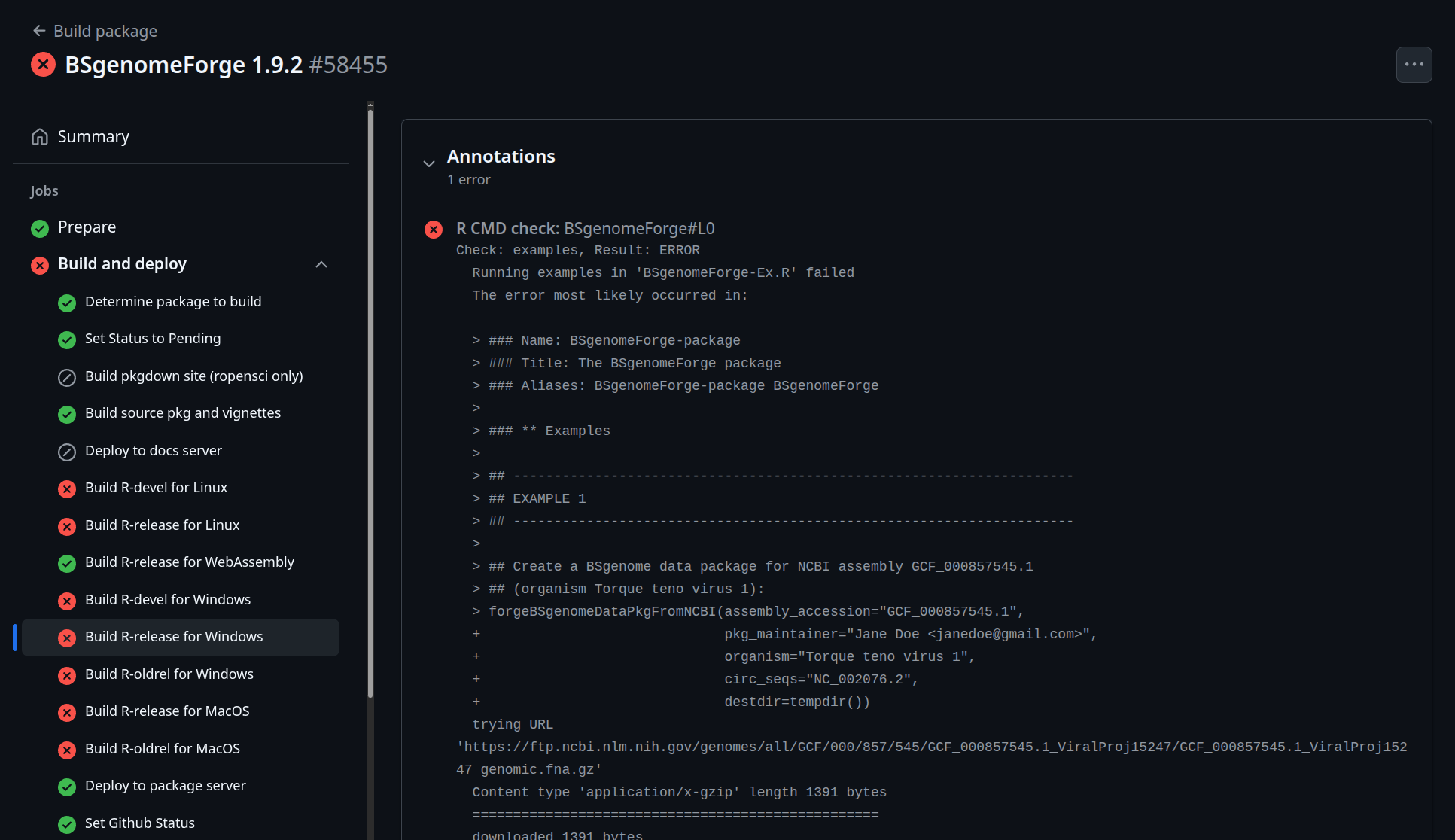
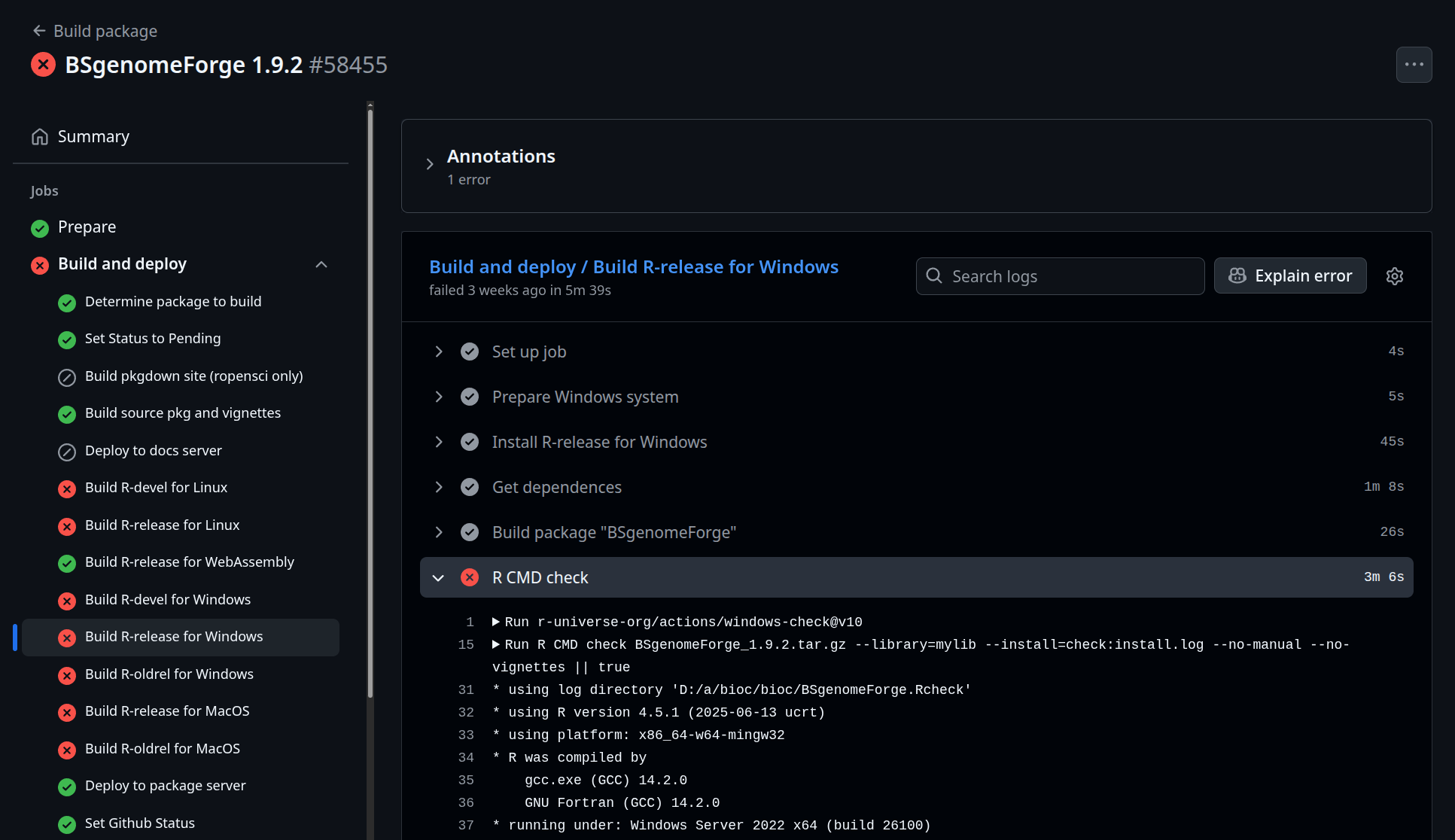
For more details about the error, click on the link. The Latest Check will go to the latest GitHub Action Workflow run’s R CMD check on the package whereas the Binary Check will go to the GitHub Action Workflow associated with the R CMD check associated with the binary. It may not take you to the specific location of the error. You need to look at the Build R-release for Windows (on left), which builds the same package version as Bioconductor devel for the correct version of R. You can then either expand the Annotations or expand R CMD check to see more details about the error. You must be logged in to see more details.